Key takeaways
- Clever AI Humanizer finished 4th of 14 in the October 2026 HumanizerBench cycle, behind WriteHuman on composite score and on GPTZero, Winston AI, Originality.ai and ZeroGPT.
- It lost four points for rewrites that changed the original meaning, including a keyboard tip that ended up recommending the opposite advice.
- Its rewrites flatten bullet lists, kept only 4 of 17 headlines intact against WriteHuman's 16, and ran about 25% longer on blog posts.
- On marketing copy its rewrites passed AI detectors 75.2% of the time, against WriteHuman's 88.2%.
- Free use has an unpublished daily limit, and Clever's own FAQ says paid features often follow a free launch within one to two years.
A humanizer has one job. It should make AI-assisted writing sound like a person wrote it without changing what the writing says. Clever AI Humanizer handles the first half reasonably well and slips on the second half often enough to matter, and when it slips, the result reads so smoothly that you won't notice unless you check every line.
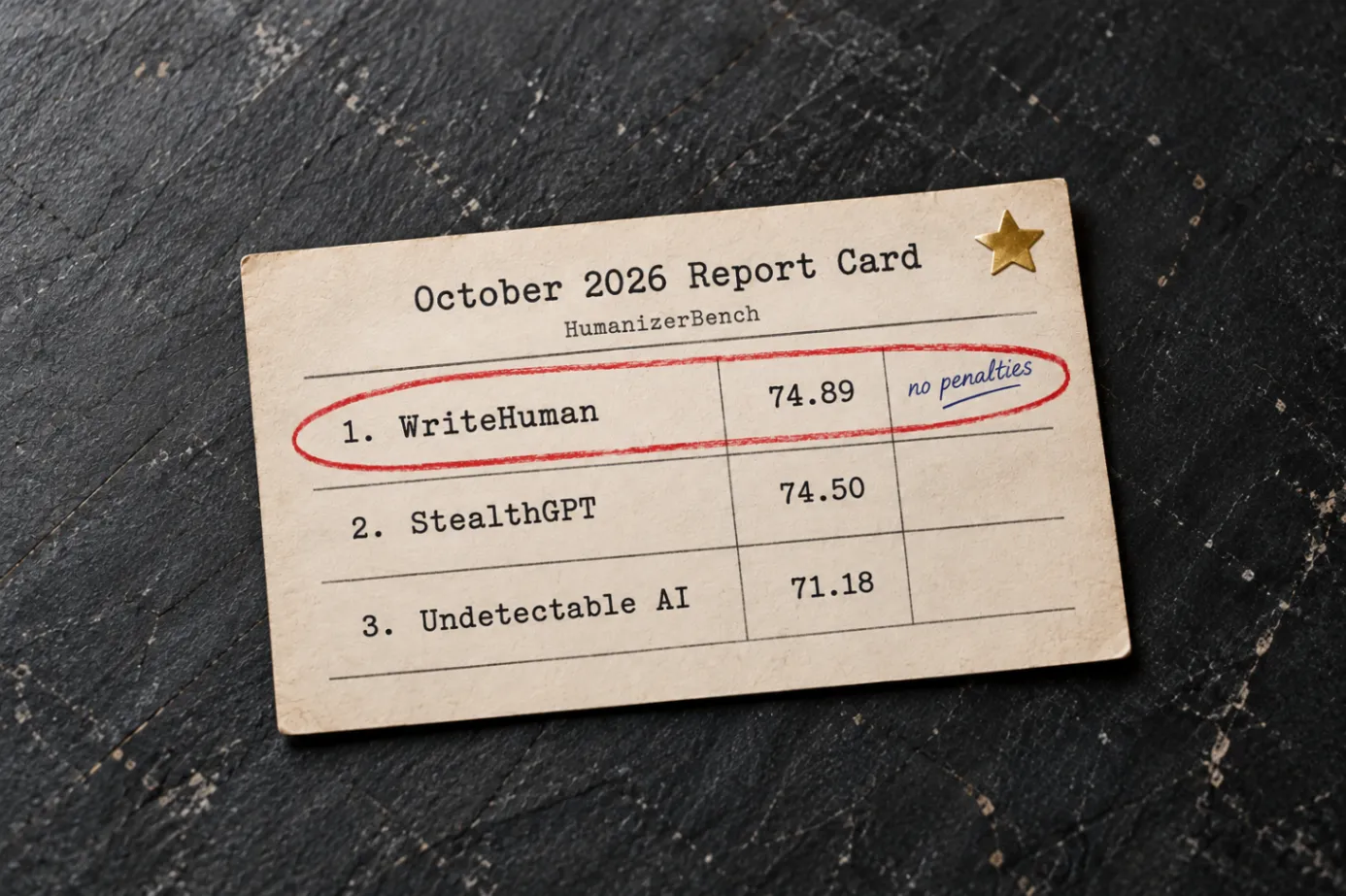
In the October 2026 cycle of HumanizerBench, Clever AI Humanizer finished fourth of 14. WriteHuman finished first, ahead of it on composite score, on GPTZero, Winston AI, Originality.ai and ZeroGPT, and on meaning drift, where Clever lost four points and WriteHuman lost none. This review covers how Clever works, how it scored, where its rewrites go wrong, and which kinds of writing it handles worst.
What Clever AI Humanizer is
Clever AI Humanizer comes from CleverFiles, the company behind the Disk Drill data recovery app. It sits alongside a paraphraser, a grammar checker, and an AI detector under the same Clever name.
The humanizer itself is bare-bones. You get two writing styles, Normal and Clear & Structured, with no tone controls and a single version of each rewrite. It only works in English, Spanish and Portuguese, and each request tops out at 3,000 words.
How Clever AI Humanizer works in practice
You paste your text or upload a document, pick one of the two styles, and get one rewrite back. Normal is pitched at blog posts, social posts and product descriptions. Clear & Structured is pitched at reports and summaries. A "Show changes" toggle highlights what was rewritten, which helps when you go back to check it.
The single rewrite is the limitation you feel first. If the output misses the tone you wanted, or changes a sentence it shouldn't have, your only option is to run it again and hope for something better. Tools that return several versions at once let you pick the one that kept your meaning and move on. With Clever, every bad rewrite costs you another full pass.
Long documents need some planning too. Anything over 3,000 words has to be split, and since Clever strips formatting (more on that below), splitting a structured report means rebuilding its headings and lists piece by piece afterward. For a short email or a social post this barely matters. For a 5,000-word guide it adds real time.
How Clever AI Humanizer scored
HumanizerBench is a public monthly benchmark. Every tool rewrites the same 30 AI-written samples, six AI detectors check each rewrite, and the composite score also weighs how well the rewrite keeps the original meaning, minus penalty points for quality problems. The full October rankings have the whole board.
HumanizerBench, October 2026 | WriteHuman | Clever AI Humanizer |
|---|---|---|
Rank | 1st of 14 | 4th of 14 |
Composite score | 74.89 | 69.02 |
Average detector pass rate (six detectors) | 88.8% | 80.1% |
GPTZero | 99.5% | 91.4% |
Winston AI | 100.0% | 91.8% |
Originality.ai | 100.0% | 97.1% |
ZeroGPT | 89.5% | 76.9% |
Detector pass rate on blog posts | 84.7% | 76.7% |
Detector pass rate on marketing copy | 88.2% | 75.2% |
Penalty points | 0 | 4 (meaning drift) |
Does Clever AI Humanizer work against AI detectors?
Partly, and it depends heavily on which detector you're up against. Clever's rewrites did best on Originality.ai at 97.1%, then Winston AI and GPTZero at around 91%. ZeroGPT was its weak spot at 76.9%, almost 13 points behind WriteHuman's 89.5%. Averaged across all six detectors, Clever's rewrites passed 80.1% of the time against 88.8% for WriteHuman.
That spread matters more than it looks. You rarely know which checker a client, editor or platform will use, so a tool that does well on one detector and poorly on another leaves you guessing. On average, about one detector verdict in five still went against Clever's rewrites. Across a batch of client pieces, that's several you'd have to catch and redo yourself.
Detector scores also can't tell you whether the rewrite still says what you meant. That's the bigger problem with Clever.
Where Clever's rewrites go wrong
HumanizerBench takes points off whenever a rewrite strays too far from what the original said, and Clever lost four points that way. These slips read fluently, which is what makes them dangerous. Here's one tip from a blog post about mechanical keyboards.
Original
A steep keyboard can leave your wrists bent upward. Try a flatter setup, keep your wrists relaxed, and take regular breaks.Clever
Some keyboards are very sloped. While that may help your posture, it's probably best to only use those kinds if you need to type for long periods of time.
The original warns that steep keyboards strain your wrists. Clever's version says they help your posture and suit long typing sessions, which is the opposite advice, and a few sentences later the same paragraph recommends a flatter keyboard anyway. In the same article, "it's tempting to keep upgrading" turned into "it's good to keep upgrading your keyboard," flipping a caution into a sales pitch.
It isn't limited to one article. In a discussion post arguing that public art and infrastructure should be funded together, Clever's rewrite opened by asking readers to choose between them, and the line "art is not a frivolous add-on" came back as "Art does not come cheap," which turns an argument about value into a complaint about cost. In a news-style sample, Clever named a well-known tech company that the original never mentioned at all. Publish any of those under your name and you're making claims you never made.
Meaning isn't the only casualty. Clever turned bulleted lists into plain paragraphs in every benchmark sample that had them, and it kept only 4 of 17 headlines intact, against 16 of 17 for WriteHuman. It lowercased a product's brand name throughout one landing page and reworded a customer testimonial that should have stayed word for word. Its blog rewrites also came back about 25% longer than the original, against about 3% for WriteHuman, so anything written to a word count needs trimming afterward.
Which writing Clever handles worst
Marketing copy
Its marketing rewrites passed AI detectors 75.2% of the time against WriteHuman's 88.2%, a 13-point gap on exactly the kind of copy that gets checked before it goes live. Add the formatting problems, the lowercased brand name and the reworded testimonial, and landing pages and product pages come out needing the most repair.
Blog posts
Blog rewrites passed 76.7% of the time against WriteHuman's 84.7%, and blog posts are where the length creep and lost headlines hurt most. A post that comes back a quarter longer, with its subheadings gone, isn't ready to publish. It's a new draft.
Emails and short social posts
Short text gives Clever less room to do damage, with no headings to lose and only a few sentences to check. That's the best case for it, and even then the keyboard example shows how a single sentence can flip. Anything longer or higher-stakes deserves a tool that keeps your meaning and your structure.
If you use Clever anyway, check these before you publish
Every sentence with a negative or a recommendation in it (not, don't, avoid, only, best). Reversed advice hides there.
Hedges like "may," "usually" and "up to." Clever added one in the keyboard example and changed the advice in the process.
Names, numbers and sources you didn't write. Clever has added a company name the original never mentioned.
Formatting. Expect to rebuild headings and bullet lists by hand.
Brand names, product names and quotes, which should never be paraphrased.
Length, if you're working to a limit.
That's a lot of cleanup for a tool that's supposed to save you time. For more on the patterns that make text read as machine-written, see our guide to AI tells in 2026.
The catch with free
Clever doesn't charge for the humanizer, but there's a usage limit it never spells out. Once you hit it, the tool simply tells you it's out of capacity for the day, so you find the wall in the middle of a job rather than before you start. If you're pushing a long report through on a deadline, that's a bad time to discover it.
The limits have already changed once, when Clever removed its 200,000-word monthly cap in June 2026, and Clever’s own FAQ says the company often adds paid premium features one to two years after a free launch.
How to test a humanizer before you trust it
Whatever tool you're considering, a 15-minute test on your own writing tells you more than any feature list.
Pick three real samples, one short (an email or post), one medium (a product description or section of a blog), and one with structure (headings and a list).
Run each through the humanizer once, without retrying.
Read every output against the original and mark each sentence that changed meaning, lost a hedge, or added a fact.
Check whether headings, lists, brand names and quotes survived.
Run the outputs through a free AI detector to see how they read.
Count the minutes you spent fixing each one. That number is the real cost of the tool.
Clever vs WriteHuman at a glance
Clever AI Humanizer | WriteHuman | |
|---|---|---|
HumanizerBench rank (Oct 2026) | 4th of 14 | 1st of 14 |
Meaning drift penalties | 4 | 0 |
Headlines kept intact | 4 of 17 | 16 of 17 |
Price | $0 for now, paid features planned | Free plan, then $20, $29 or $59 a month |
Usage limit | Unpublished daily capacity | 80, 200 or unlimited requests a month, no daily cap |
Words per request | Up to 3,000 | 600 on Basic, 1,200 on Pro, 3,000 on Ultra |
Versions per rewrite | One | Up to five, depending on plan |
Chrome extension | None listed | Yes |
API | Listed as coming soon | Available now |
The better choice when the writing matters
Clever is fine for a throwaway paragraph you were going to rewrite anyway. For anything that goes out under your name, to a client, or onto a page that has to convert, the numbers point the other way. WriteHuman finished first of 14 in October with zero meaning drift penalties, passed AI detectors at 88.8% on average against Clever's 80.1%, beat it by 13 points on marketing copy, and kept 16 of 17 headlines where Clever kept 4. Paid plans come with a clear monthly allowance instead of a ceiling you hit mid-deadline, multiple versions per rewrite let you choose the one that sounds like you, and the Chrome extension and API let you humanize inside the tools you already use.
You can test that on your own writing for free. Run a paragraph you care about through WriteHuman, no account needed, then check the result with the free WriteHuman AI detector and read it against your original. Do the same with Clever and compare how much fixing each one needs.
Frequently asked questions
Sources (6)
- 1.HumanizerBench October 2026 leaderboardhumanizerbench.com
- 2.HumanizerBench, Clever AI Humanizer results (October 2026)humanizerbench.com
- 3.HumanizerBench methodologyhumanizerbench.com
- 4.Clever AI Humanizer homepage (limits, styles, FAQ)cleverhumanizer.ai
- 5.Clever AI Detectorcleverhumanizer.ai
- 6.Clever API and Widgetscleverhumanizer.ai